
Running costs, energy use and maintenance in one app
Log fuel, charging and parking costs, and review your spending in monthly and annual reports. MileNote supports multiple cars and stores records on your phone by default.
Versions and downloads on GitHub Releases


From everyday records to vehicle reports
-
Log everyday expenses
Organise costs with custom categories. Select a fuel receipt photo to extract the amount paid, fuel volume and date, then review the details before saving.
-
Manage multiple cars
View each car’s expenses, energy use and service history separately. Compare running costs in the garage overview.
-
Track energy use
See average consumption and trends from fuel and charging records. Plug-in hybrids and range-extender EVs show fuel and electricity use separately.
-
Review vehicle reports
See total spending, a breakdown by category and cost per kilometre in monthly and annual reports. Save reports as images to share.
-
Plan routine maintenance
Set service intervals by date and mileage. Due items appear in the app’s maintenance list. Log a completed service to update the next date and mileage.
-
Import and export
Import records from Bear (小熊油耗) or Qianji (钱迹), or export expenses as a CSV to open in a spreadsheet.
A look inside MileNote
These screenshots show the built-in demo, available after installation.
-
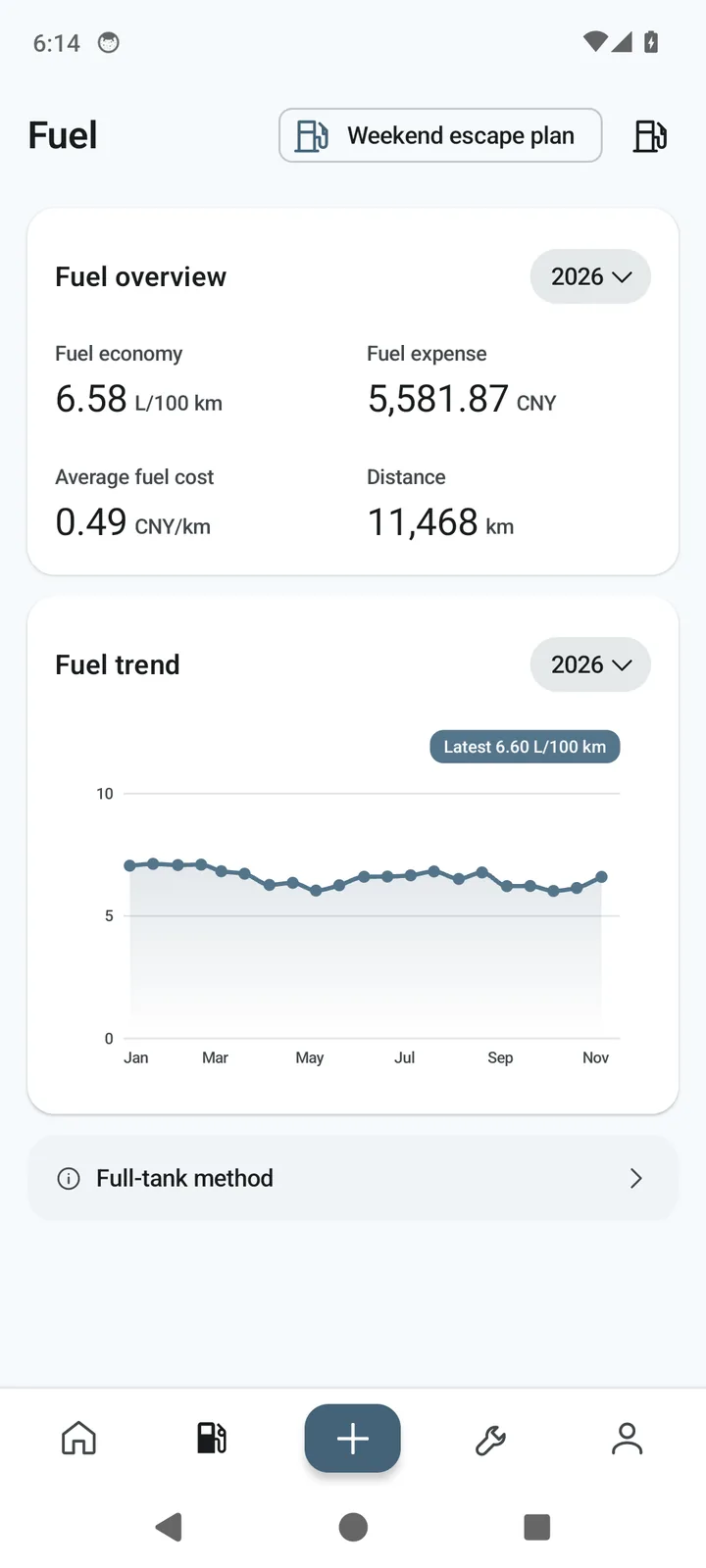
Fuel economy trends -
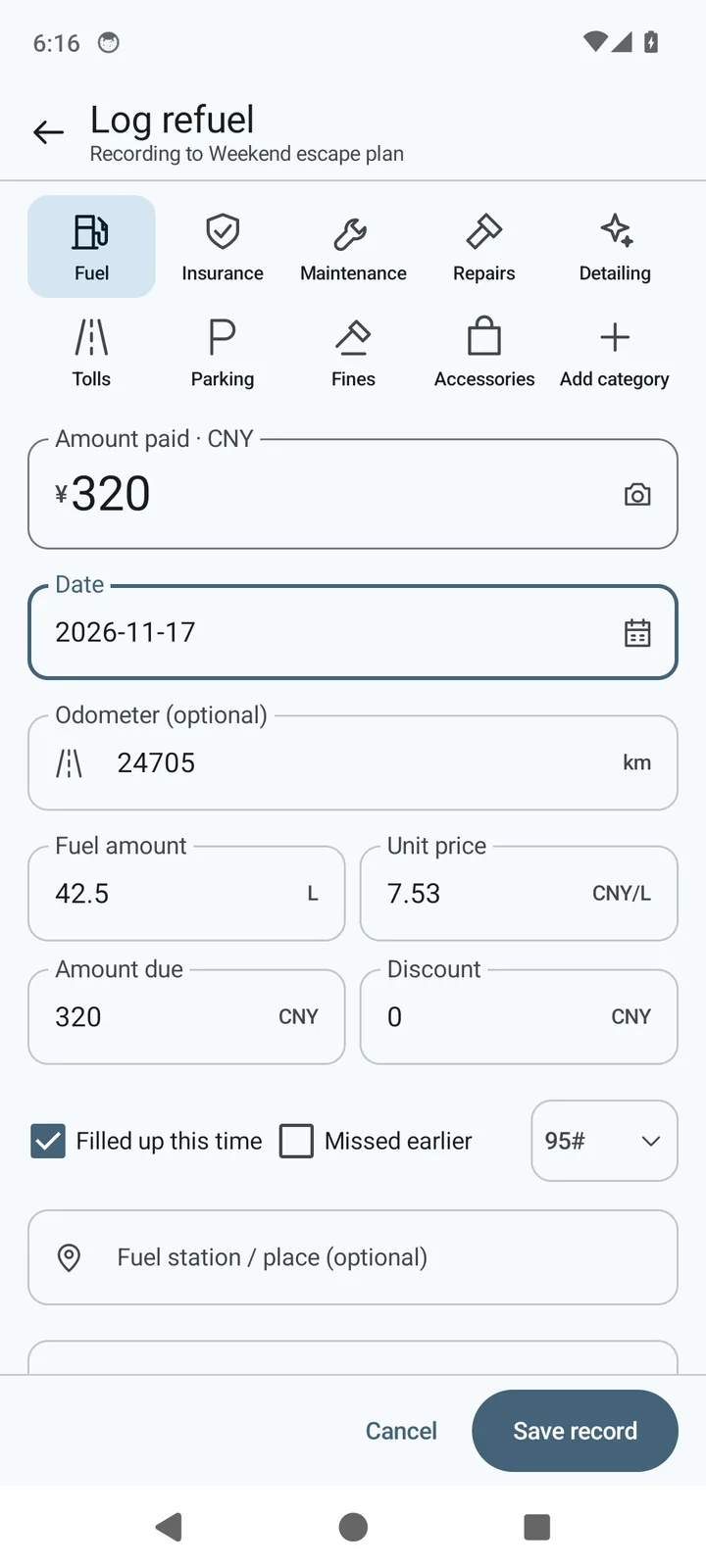
Fuel entry -
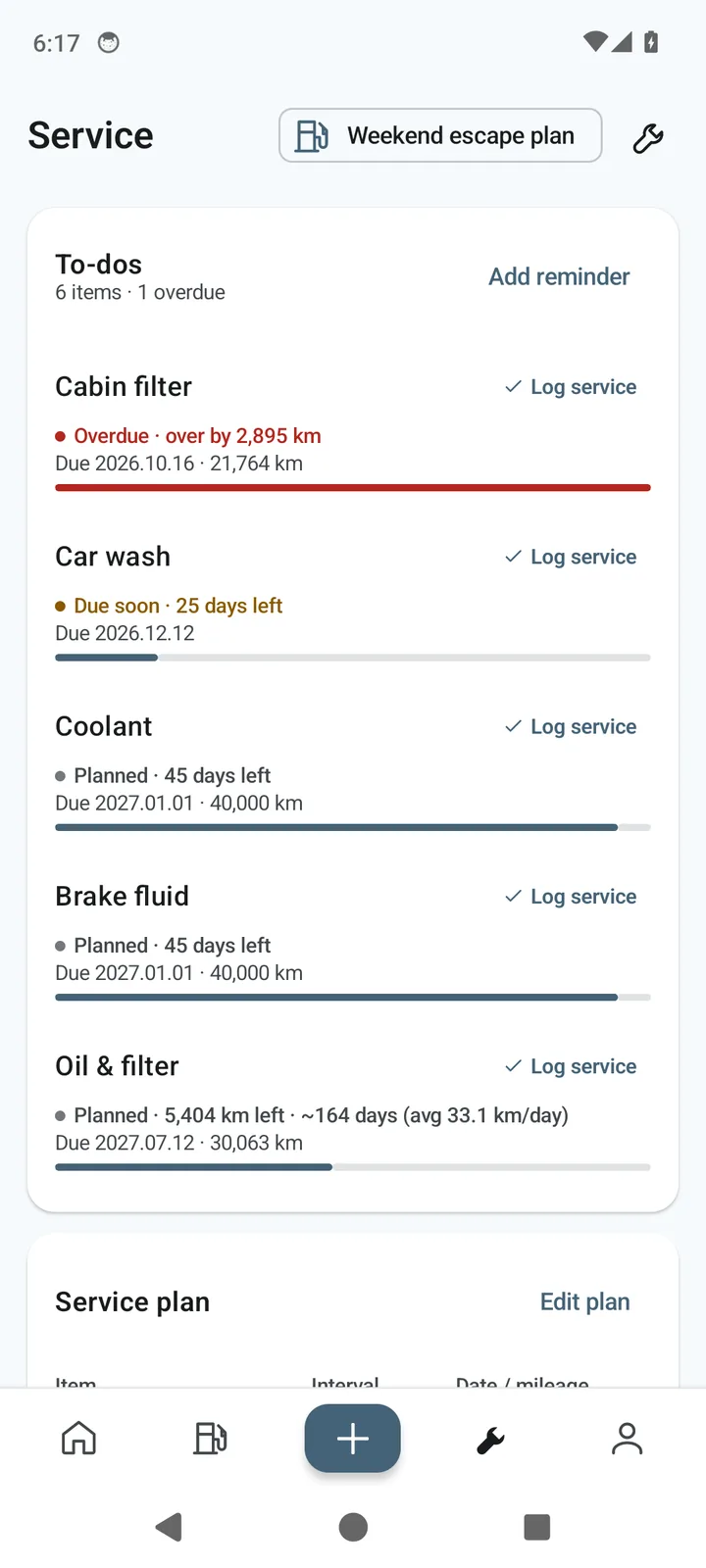
Maintenance list -
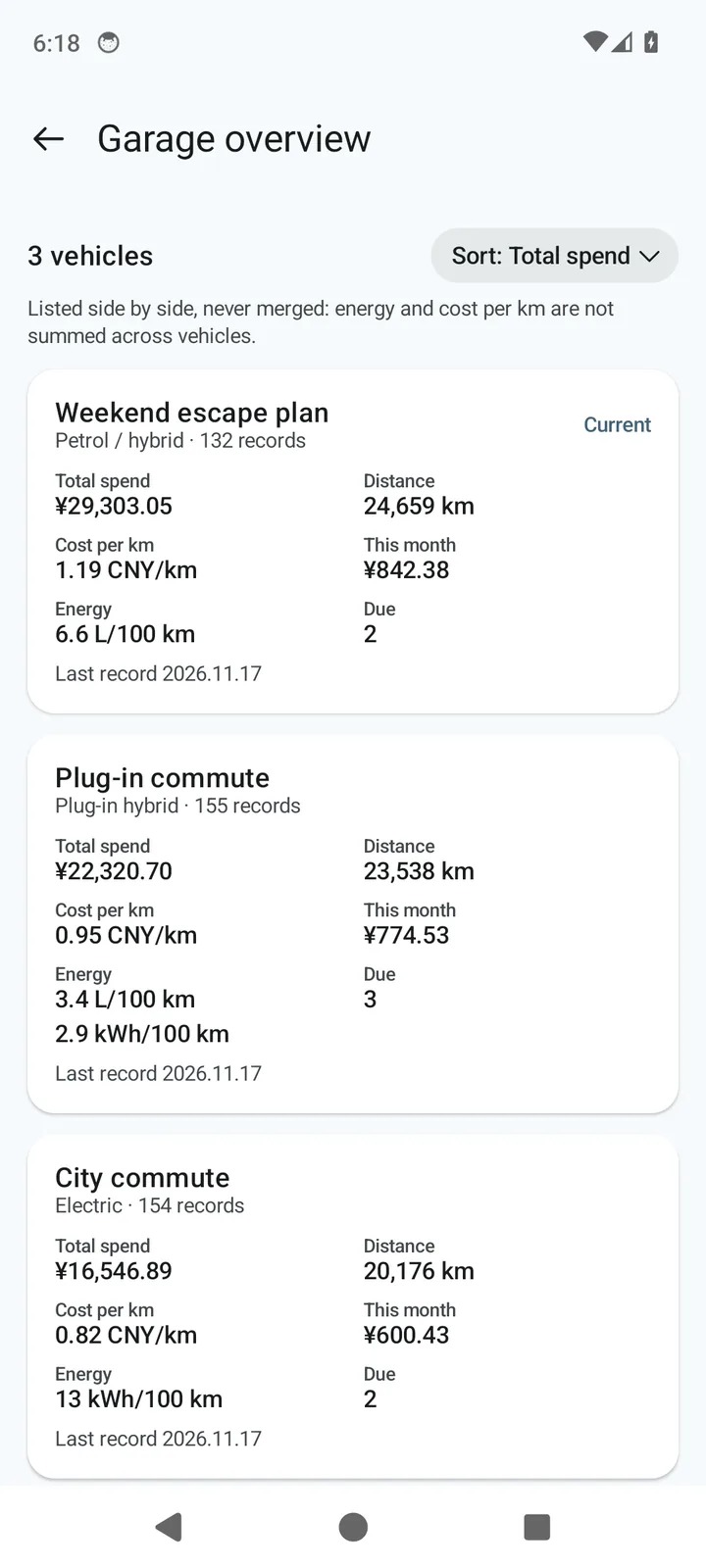
Garage overview
Your records stay on your phone by default
MileNote has no ads, subscriptions or usage tracking.
-
No account requiredUse MileNote as soon as it’s installed.
-
Add records offlineAdd entries and look up your records without a connection.
-
On-device file processingFuel receipt recognition and file imports run on your phone.
-
Export full backupsExport a backup at any time and restore it on a new phone.
-
Optional WebDAV syncSync records using your own storage service. Files are uploaded as unencrypted JSON by default. You can set a password to encrypt them before uploading.
Download MileNote
Requires Android 8.0 or later. When you first install the APK, Android may ask you to allow your browser or file manager to install apps.
